


Wallpaper 4K HD – Wallcraft
4.610.40K Reviews
App Specs
- Version
- Varies with Device
- Updated On
- License
- Free
- Downloads
- 100,000,000+
- Developer
- Nebuchadnezzar DOO
- Categories
- Personalization
- Platform
- Android, iOS
Screenshots
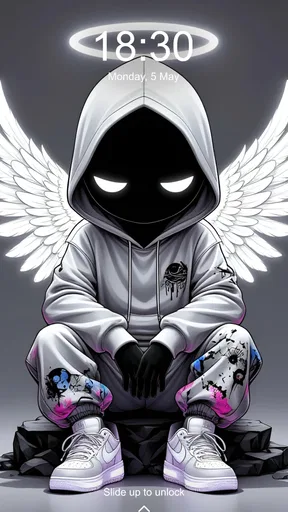
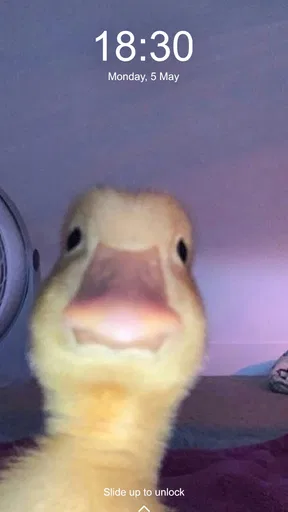
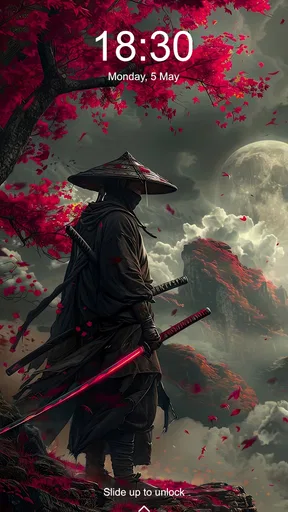
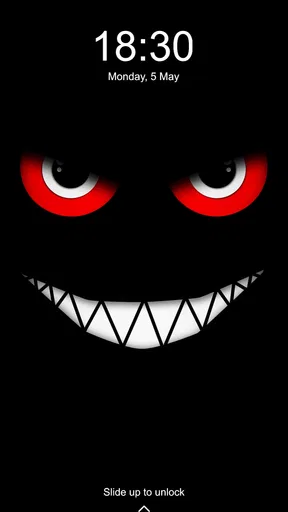
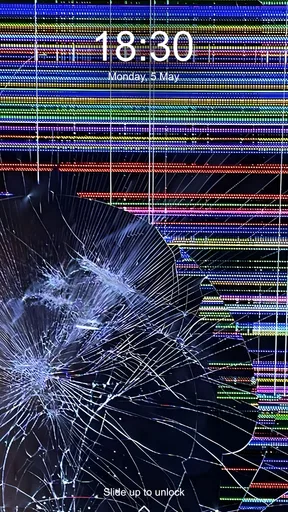
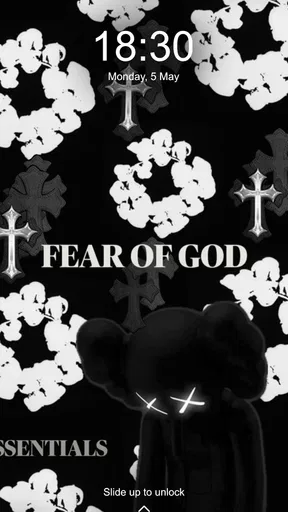
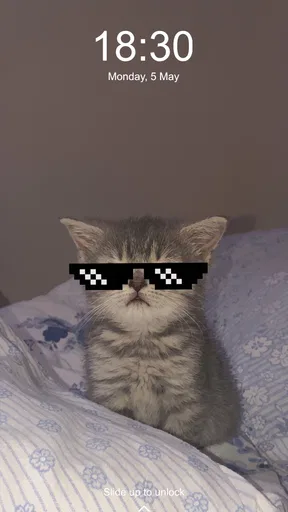
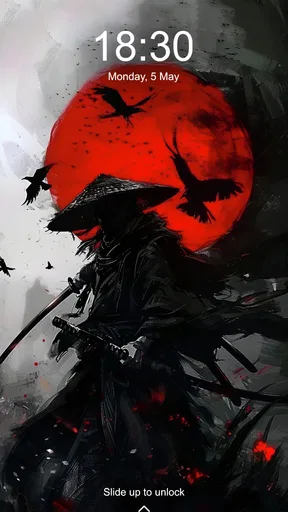
 Analysis by AppCompare
I spend more time looking at my phone screen than I do choosing what goes on it, so a wallpaper app earns its place only if it makes finding and using an image feel easy. Wallpaper 4K HD – Wallcraft is a personalization app from Nebuchadnezzar DOO, and its appeal is straightforward: it gives me a dedicated place to browse polished backgrounds instead of hunting through saved pictures or settling for whatever came with the phone. I’d recommend trying it if you enjoy changing your screen’s look, though a huge gallery is most useful when you have a clear way to narrow down what you want.
Browsing and choosing a wallpaper
The app has been available since April 1, 2017, and it has grown into a familiar option for people who want fresh backgrounds. Its 4.6 average from around 1.2 million ratings suggests that many users find the basic idea worthwhile, while more than 100 million installs show how widely it has been tried. Those figures are useful context, not a promise that every image will suit your taste or every device will display it in exactly the same way.
When I open a wallpaper app, I want to get from “I need a different look” to a good candidate without a long detour. Wallcraft’s category-based browsing helps with that: instead of treating the collection as one endless stream, I can start with a visual direction and then compare options. The practical trick is to decide what role the wallpaper should play before browsing. A calm background for a busy home screen calls for a different choice than a dramatic image meant to make a lock screen stand out.
The range is part of the draw. Abstract designs, landscapes, and other visual styles give me room to match the background to my mood without having to collect images from several places. But abundance has a downside: scrolling can turn into its own activity, especially if I start browsing without a purpose. I get better results by choosing a theme first, saving a few possibilities, and making the final decision from that smaller group rather than trying to inspect everything.
Resolution, framing, and the actual screen
Wallcraft is aimed at people who care about sharp-looking images, and the high-resolution selection is a meaningful part of that experience. On a detailed display, a crisp source image can make the difference between a background that looks considered and one that feels soft or stretched. Still, “4K” is not a guarantee that every wallpaper will be a perfect match for every screen: the phone’s shape, the position of icons, and the part of the image that matters all affect the result.
My useful habit is to judge a candidate as a phone background, not just as a picture in a preview. A beautiful landscape can lose its focal point behind icons, while a simple pattern may remain readable and balanced across the screen. If the image has a person, bright moon, skyline, or other central detail, I look at where that detail will sit before committing. This small check saves me from choosing something impressive in the gallery but awkward in daily use.
Favorites make repeat changes easier
The Favorites section is a small feature with a practical payoff. When I spot several images I like, I can keep them together rather than relying on memory or searching the whole collection again later. That turns the app from a one-time browsing stop into a shortlist I can revisit when I want a new look. I also find it useful to save contrasting options: one understated background for workdays and a more colorful one for when I want the phone to feel less plain.
Worth Reading Before You Choose

Flipboard Shows What News Apps Must Do Beyond the Feed

Switching to Android Auto Means Rethinking Your Driving Routine

Google Calendar Makes a Crowded Week Easier to Manage

Ludo King Makes the Most of the Minutes Between Plans

Baby Panda World Brings Quick Play to Modern Phones, but Its Game Library Feels Busy

ESPN’s Live Game View Makes Following Close Games Easier
A shortlist also helps control the time spent browsing. I can add candidates during a quick break, then compare them later when I have a moment to see which one works best with my icons and lock-screen layout. The point is not to collect wallpapers indefinitely; it is to make the final choice easier. If you tend to change your mind often, Favorites gives you a more manageable routine than starting from the beginning each time.
Dynamic changes: convenient, with a trade-off
The app also offers a dynamic option for wallpapers that change automatically, which suits anyone who likes variety without manually picking a new image every time. Setting an interval can make the phone feel refreshed in the background, and a saved group of preferred images is a sensible place to start if you want the changes to stay within your taste. I would treat this as an option for people who enjoy surprise, rather than something everyone needs to turn on.
Automatic rotation does mean giving up some control over what appears at a particular moment. A wallpaper that looks great on its own may be less suitable when you are trying to keep a consistent look for a presentation, travel day, or work setup. I’d begin with a small, coherent selection rather than a wide mix, then see whether changing images feels pleasant or distracting. If you prefer one carefully chosen background for weeks, manual selection is the better fit.
Everyday use, costs, and who it suits
In an ordinary week, I can picture using Wallcraft on a Sunday evening: I save a few possibilities while browsing, check them against my home screen, then choose one that feels calm enough for the week ahead. Later, I might switch to a more vivid lock-screen image without rebuilding the shortlist. That is where the app’s collection and Favorites make sense together: browsing can be casual, while the actual choice stays quick and personal.
The app is free to download, with in-app purchases ranging from about fifty cents to around sixty-five dollars per item. I’d start with the free experience and decide whether any paid option is worth it only after seeing how often I use the app. This is a personalization tool, not a necessity, so I would not pay simply because a screen advertises an upgrade. The Teen content rating is also worth noting for families who share devices or supervise what younger users install.
Wallcraft is a strong fit for people who enjoy visual variety, care about image quality, and like having a ready-made shortlist of backgrounds. It is less compelling if you want a single plain color, already have a folder of photos you love, or prefer a phone that never changes its appearance. In those cases, the built-in wallpaper picker or a personal photo can be quicker and more direct. Compared with those usual alternatives, Wallcraft offers a broader discovery experience; the trade-off is spending time browsing a separate catalog.
What I’d keep in mind
My main reservation is that a large image collection can encourage endless scrolling, and the most striking choice is not always the most usable one once icons and widgets are on top. I also wouldn’t assume that every high-resolution image will look equally well framed on every device. Previewing with the actual screen layout in mind matters more than choosing a label that sounds impressive. These are manageable limitations, but they are why I see the app as a source of options rather than an automatic answer to every wallpaper decision.
With 10,000 reviews and a 4.6 average rating, Wallcraft has attracted a substantial audience, but my advice remains simple: try it for the images and workflow, then keep only the parts that suit how you use your phone. I would watch for whether the browsing experience continues to make discovery easy and whether the dynamic option gives enough control for people who like variety without surprises. For now, I see it as a useful, free starting point for refreshing a screen, especially if you prefer choosing from curated visual styles over searching your camera roll.
Ever find yourself scrolling endlessly through your phone searching for the perfect wallpaper, only to settle for something less than inspiring? Yeah, me too. That’s when I stumbled upon Wallpaper 4K HD – Wallcraft, and let me tell you, it's been a game changer in my digital life.
A broad gallery, best approached with a little intention
First off, the app offers a massive collection of high-quality wallpapers that are sure to make your screen pop. From abstract art to breathtaking landscapes, the variety is just insane. I mean, there are so many options, I found myself switching wallpapers more often than I change my socks!
The 4K resolution is a big selling point. Screens these days are all about clarity and detail, and this app delivers just that. Even on my high-res display, the images look absolutely crisp. No more pixelated images or awkwardly stretched photos – everything fits perfectly.
Simplified Navigation and User-Friendly Interface
Now, navigation can make or break an app for me. If it’s too clunky, I’ll probably ditch it faster than a bad date. But it nails it with its intuitive design. The layout is sleek and it’s super easy to find your way around. You can browse by categories, which is perfect if you're in the mood for something specific.
One feature that I adore is the "Favorites" section. You can save wallpapers that catch your eye, making it a breeze to switch things up whenever you feel like it. It’s like having a personal gallery of awesomeness right in your pocket.
Personalization and Dynamic Features
One of the things that set this app apart is the level of personalization it offers. Not only can you choose from a vast library of images, but you can also customize these wallpapers to suit your style. Want to add a little flair? Go ahead, the app has got your back.
There's also a dynamic feature for those who like their wallpapers to change automatically. You set the intervals, and voila, your screen never gets old. It's like having a fresh piece of art every day!
Seamless Performance and Reliability
Another thing I noticed is how smoothly the app runs. No glitches, no crashes – just seamless performance. It’s refreshing to use an app that doesn’t freeze up or lag, especially when you’re in the zone, browsing through beautiful images.
I've used it on both Android and iOS, and it's been consistently reliable. Kudos to the developers for keeping things running like a well-oiled machine!
Final Thoughts
In a sea of wallpaper apps, it stands out as a true gem. Whether you're into minimalist designs or vibrant, eye-catching art, there's something here for everyone. It’s more than just an app; it’s a gateway to personalizing your device in a way that truly reflects your style.
If you're looking to give your phone a little makeover, I highly recommend giving this app a try. You might just find the perfect wallpaper that speaks to you. Trust me, once you dive in, there's no turning back!
Pros
- Stunning 4K HD quality images.
- Wide variety of categories available.
- User-friendly interface design.
- Regular updates with new wallpapers.
- Easy to download and set up.
Cons
- Contains in-app purchases.
- Some ads can be intrusive.
- Requires internet for updates.
- Large file size may affect storage.
- Limited free content available.
FAQs for Wallpaper 4K HD – Wallcraft
What features does Wallpaper 4K HD – Wallcraft offer?
Wallpaper 4K HD – Wallcraft offers a vast collection of high-resolution wallpapers that are updated regularly. Users can choose from a variety of categories, including nature, abstract, and technology. The app supports both portrait and landscape modes, and it allows for easy customization and setting of wallpapers for both home and lock screens.
Is Wallpaper 4K HD – Wallcraft free to use?
Wallpaper 4K HD – Wallcraft is free to download and offers a range of wallpapers at no cost. However, it also includes in-app purchases for premium content and features. Users can opt for a subscription to access exclusive wallpapers and remove ads, enhancing the overall experience.
Does Wallpaper 4K HD – Wallcraft consume a lot of data or battery?
While using Wallpaper 4K HD – Wallcraft, data consumption occurs during the download of high-resolution images. It is recommended to use Wi-Fi to minimize data usage. As for battery usage, the app is optimized for efficiency, but setting live wallpapers might slightly increase battery consumption compared to static images.
Can I use Wallpaper 4K HD – Wallcraft on both Android and iOS devices?
Yes, Wallpaper 4K HD – Wallcraft is available for both Android and iOS devices. The app is designed to be compatible with a wide range of smartphones and tablets, ensuring a seamless experience across different operating systems with intuitive navigation and easy-to-access features.
How often are new wallpapers added to Wallpaper 4K HD – Wallcraft?
New wallpapers are added to Wallpaper 4K HD – Wallcraft on a regular basis. The app frequently updates its library to provide fresh and trending content, ensuring that users always have access to the latest and most popular designs. This keeps the app engaging and up-to-date with current styles.


